Data Source: Google Ads

The best free & paid Looker Studio templates, curated and quality-ranked for data reporting.

Clear All

Showing 1 - 3 of 3

Google Ads E-commerce Report by escalix io 2024 cover image
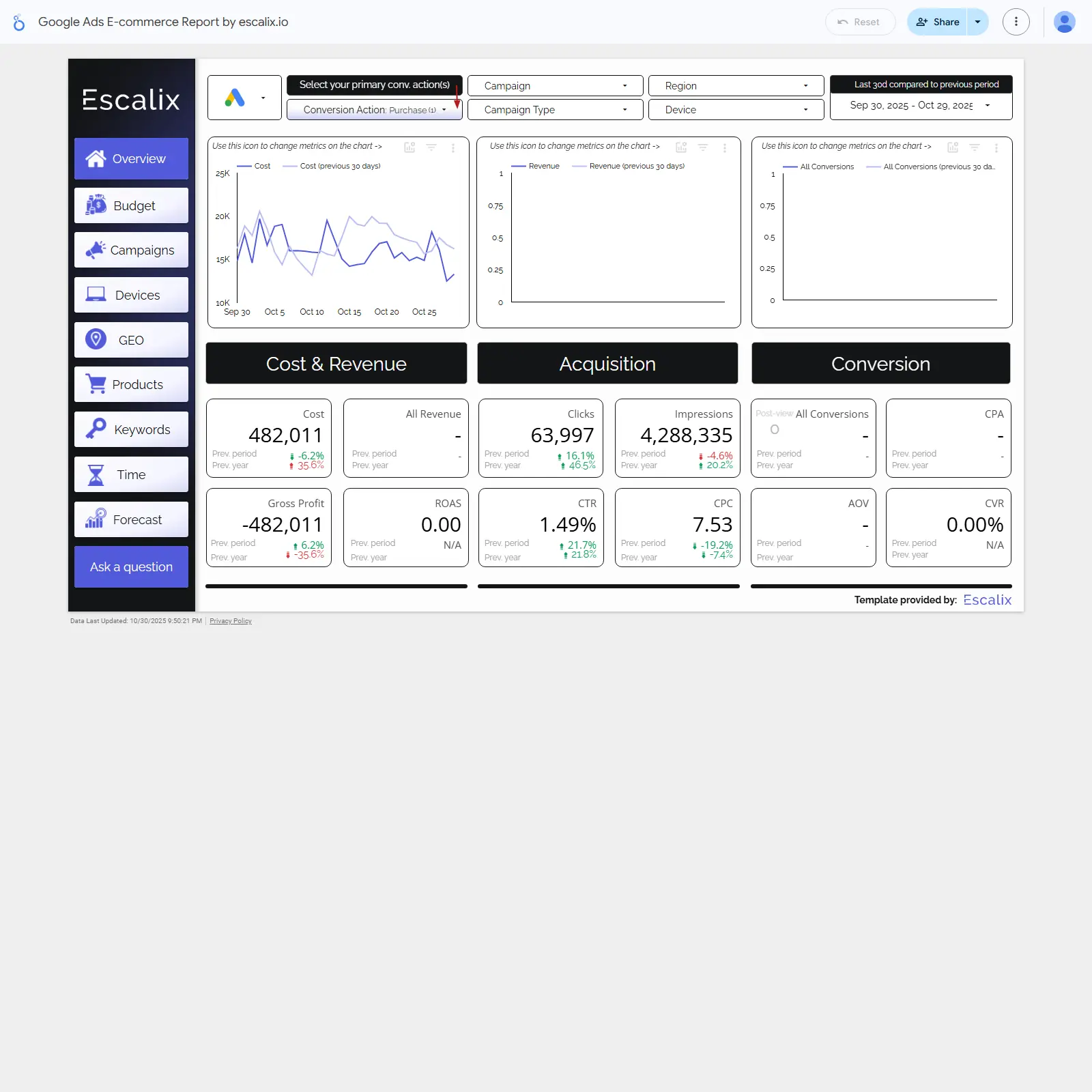
Google Ads E-commerce Report by escalix io 2024

Google Ads e‑commerce dashboard to track spend, revenue, ROAS, and conversions with breakdowns by campaign, region, device, and more.

Google Ads e‑commerce performance template focused on cost, revenue, ROAS, and gross profit alongside clicks, impressions, CTR, CPC, conversions, CPA, CVR, and AOV. Filters for primary conversion action, campaign, region, device, and campaign type make it easy to zero in on what drives results. Period comparisons highlight growth or declines across acquisition and conversion metrics. Navigation includes dedicated pages for Budget, Campaigns, Devices, GEO, Products, Keywords, Time, and Forecast to optimize spend and plan outcomes.
Free

Google Ads - eCommerce Scaling cover image
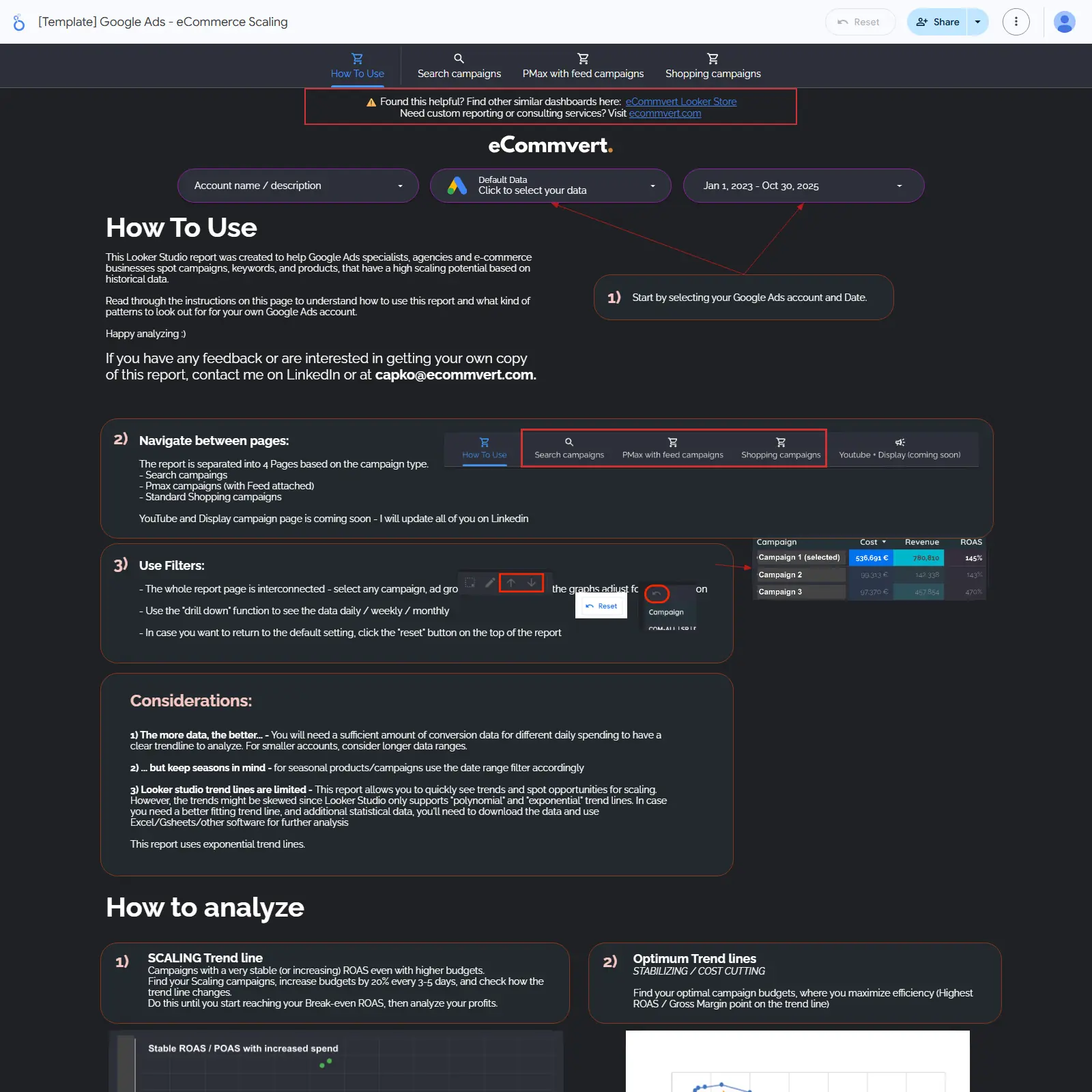
Google Ads - eCommerce Scaling

Google Ads eCommerce scaling template to spot high‑potential campaigns and optimal budgets across Search, PMax with feeds, and Shopping.

Google Ads eCommerce scaling template focused on finding growth opportunities across Search, Performance Max with feeds, and Shopping. Highlights campaigns and products with the strongest scaling potential using ROAS and efficiency trend lines. Guides you to the budget sweet spot—when to push spend and when to stabilize or cut costs. Built for specialists, agencies, and online stores that want decisions driven by historical data. Includes practical tips for reading trends and accounting for seasonality to drive profitable growth.
Free
Google Ads Shopping Auction Insights cover image
Google Ads Shopping Auction Insights

Google Ads Shopping Auction Insights tracking for impression share, overlap, and outranking by day, campaign, ad group, and device.

Track Google Ads Shopping Auction Insights to benchmark Shopping campaign visibility against competitors. Monitor impression share, overlap rate, and outranking share to see who appears with you and who outranks you. Break down trends by day, campaign, ad group, and device to find where competitive pressure is strongest. Compare periods to flag gains or losses in visibility and competitiveness. Use insights to prioritize bids, budgets, and product coverage where share is slipping.
Free