Introducing DataMoov for Google Sheets
A Google Sheets add-on that brings your reports and dashboards into the spreadsheet you already have open — connect a source once, then build a report or just ask.
Every reporting tool asks you to leave the place you actually work. You open a tab, pick a date range, export a CSV, paste it into a sheet, and fix the formatting. Then next week you do it again.
DataMoov is a Google Sheets™ add-on that removes that trip. You connect a source once, describe the report you want — or just ask a question in plain language — and the rows land in a tab in the spreadsheet you already have open. A refresh updates exactly the cells it wrote last time.
Connect an account once
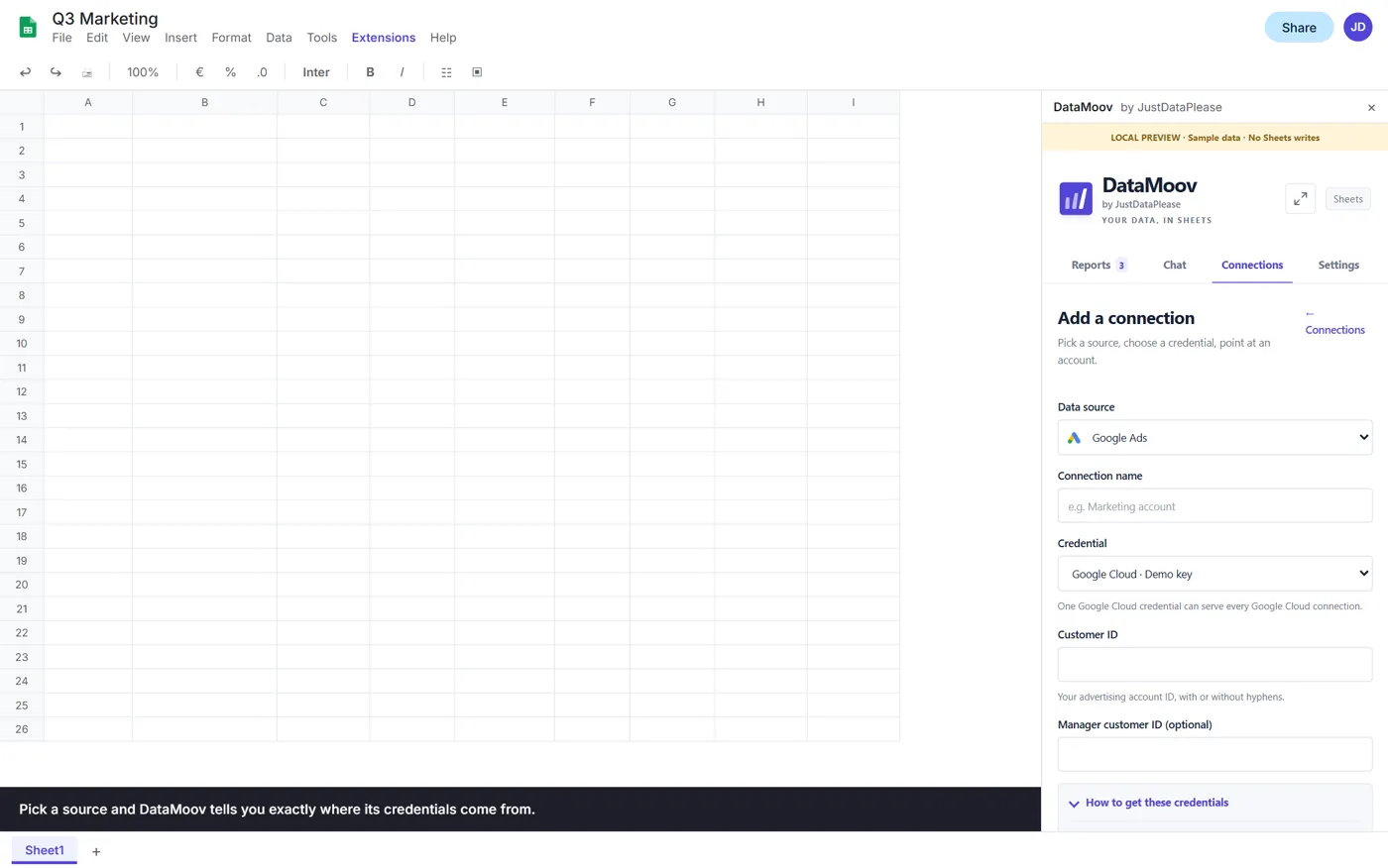
Pick a source and DataMoov tells you exactly where its credentials come from, with links straight to the right console. It tests the connection before it saves it, and every connection that needs the same credential reuses it.
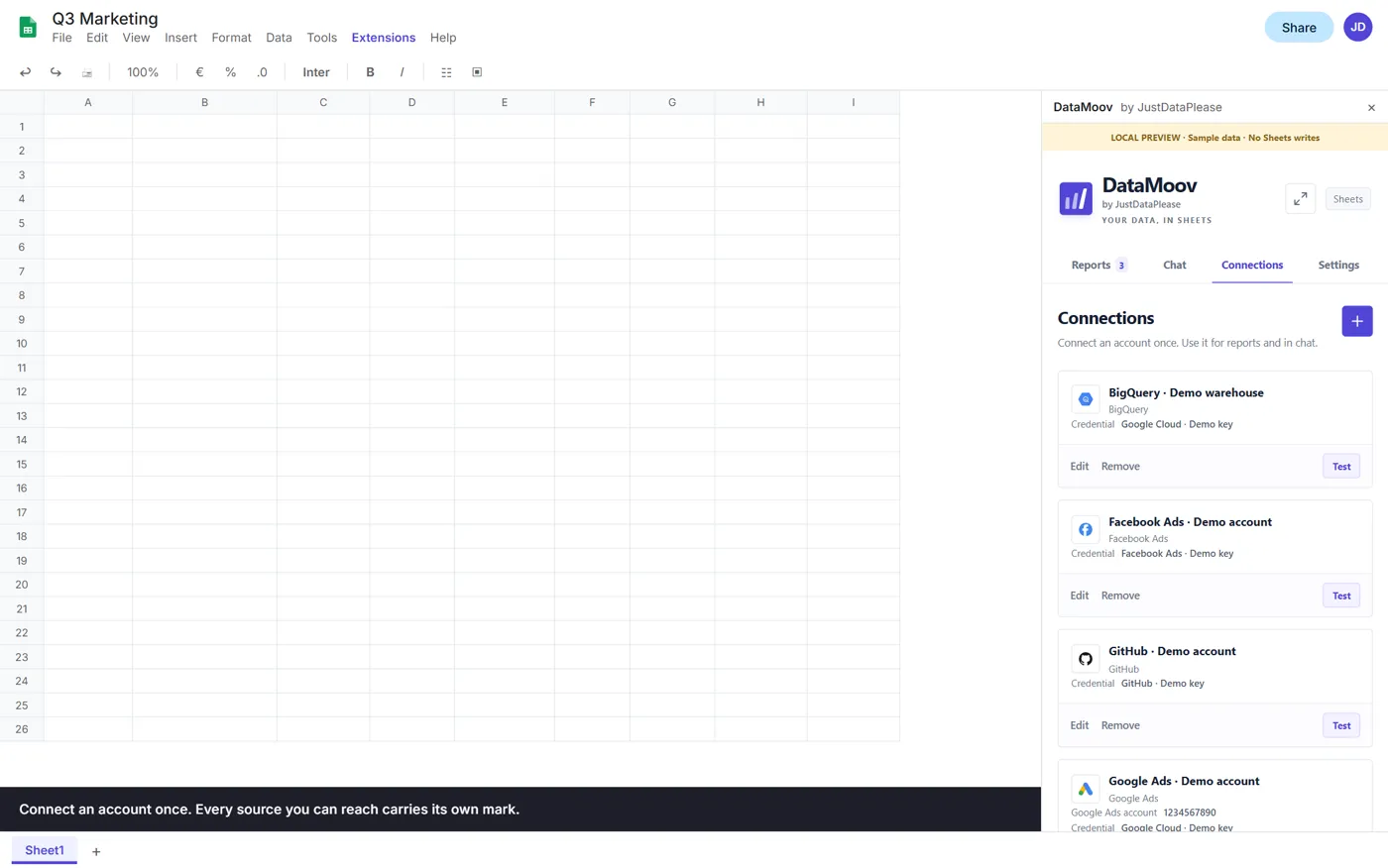
The credentials you paste stay in your own Google account — in the spreadsheet and in the per-user Apps Script store. They are never sent to us, and we cannot recover them for you if you lose them.
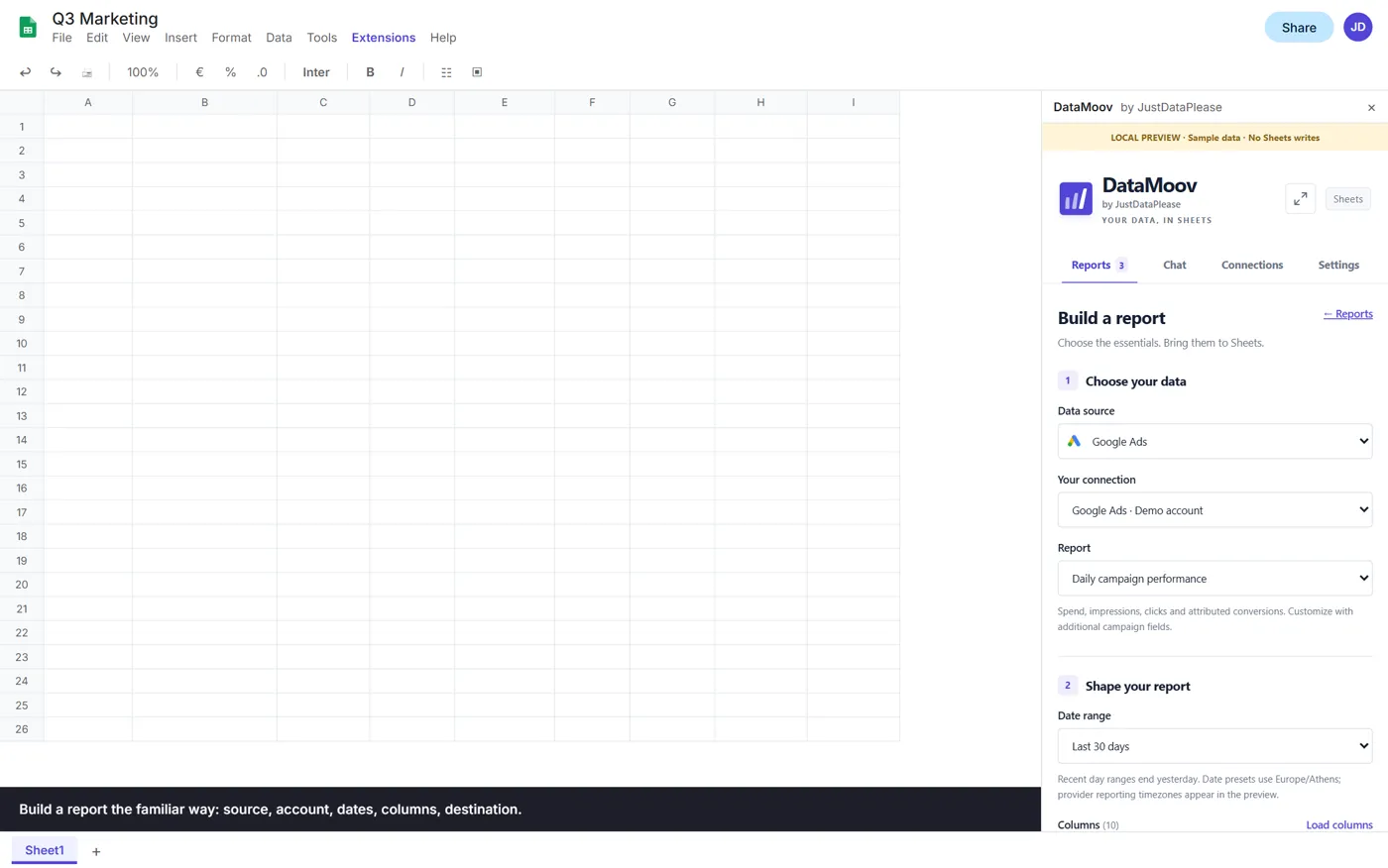
Build a report the familiar way
Source, account, report, date range, columns, destination. Nothing surprising, and nothing hidden.
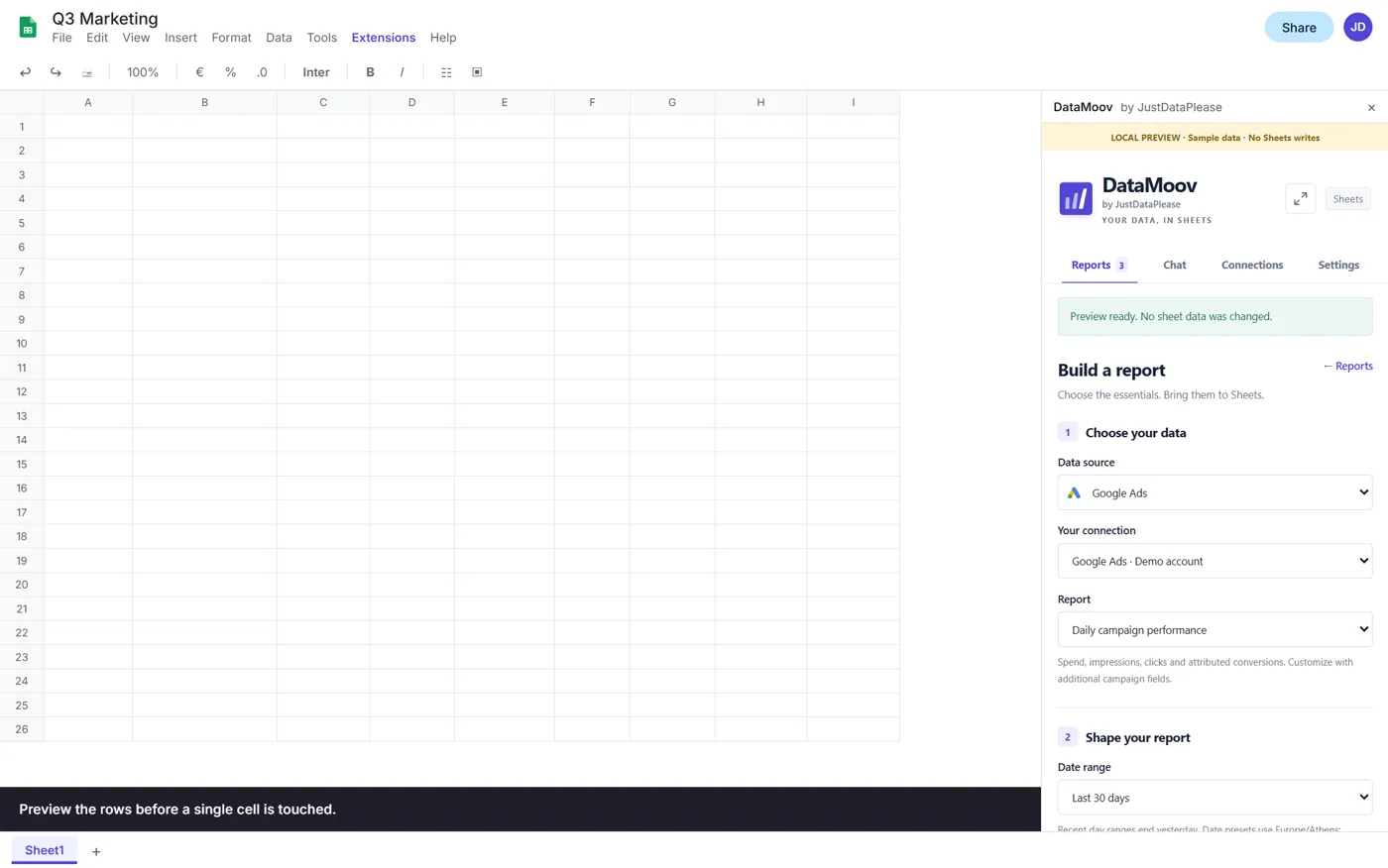
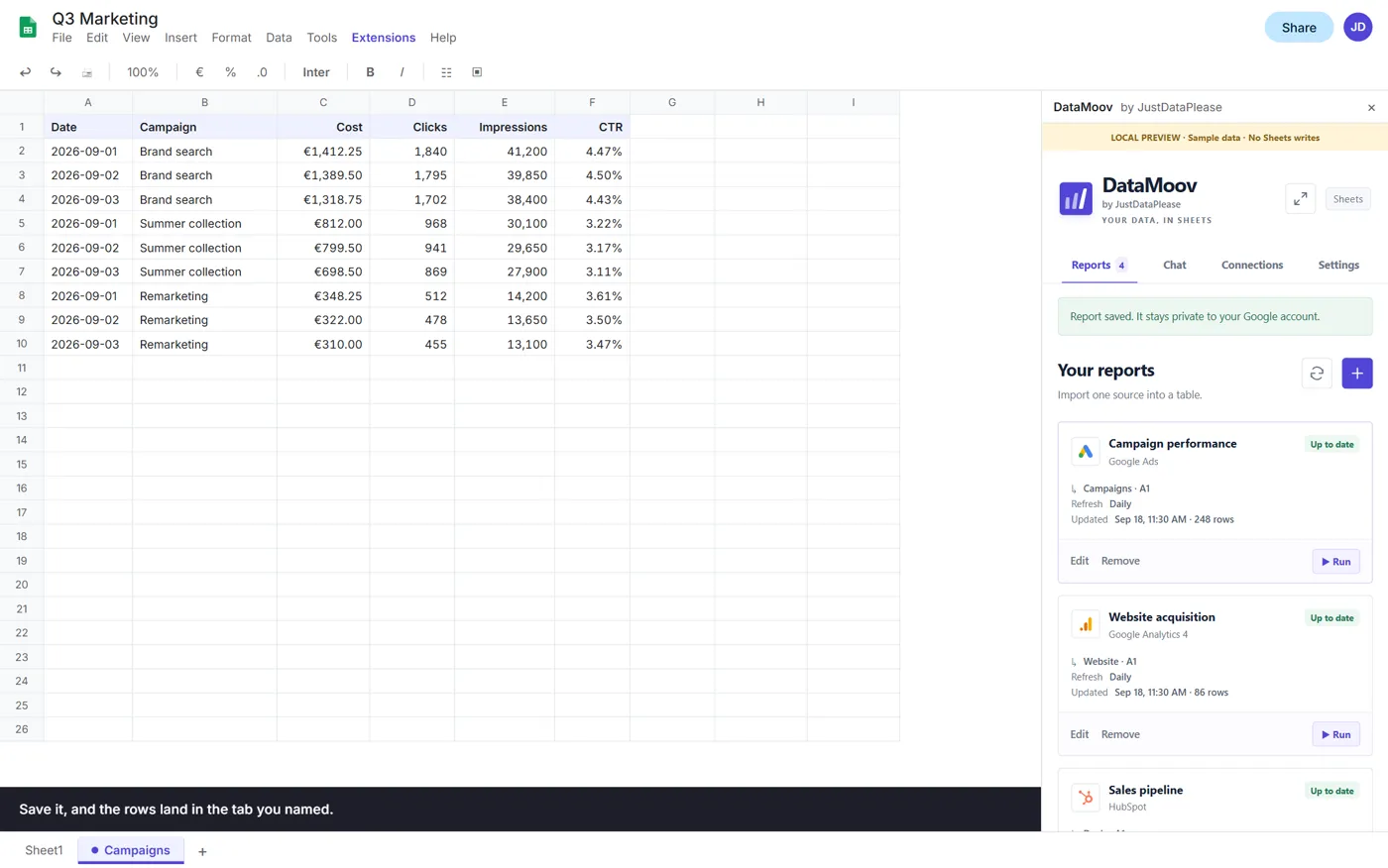
Preview the rows before a single cell is touched:
Then the rows land in the tab you named. Schedule it daily, hourly or on demand, and the refresh replaces exactly the cells that report wrote last time, leaving every other cell alone.
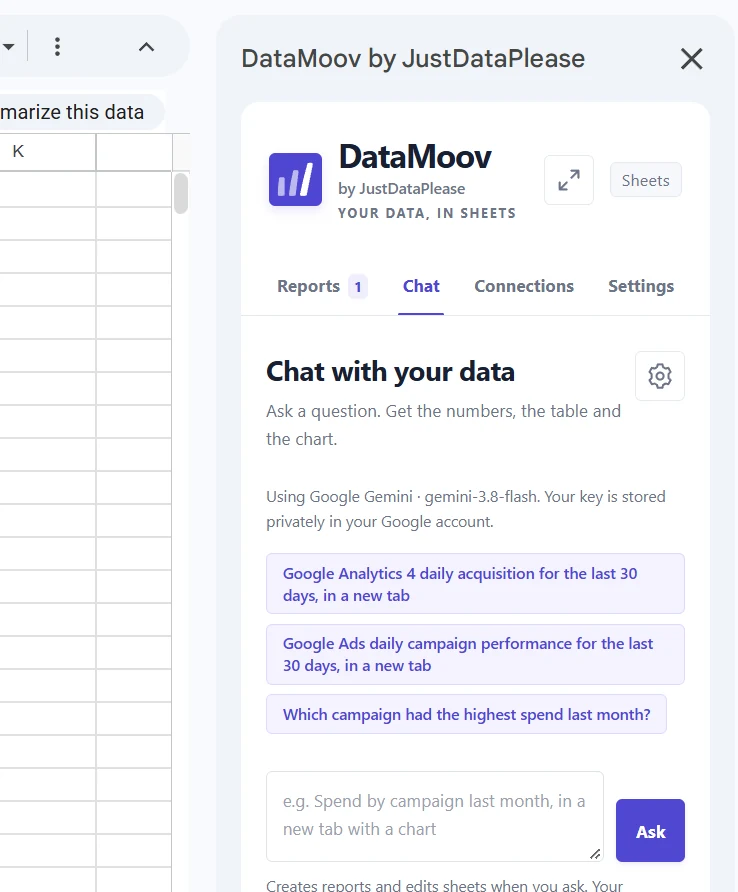
A question in plain language runs a real report to answer it — the same validation, the same fetcher, the same writer as the form above. There is no separate, weaker path for the chat.
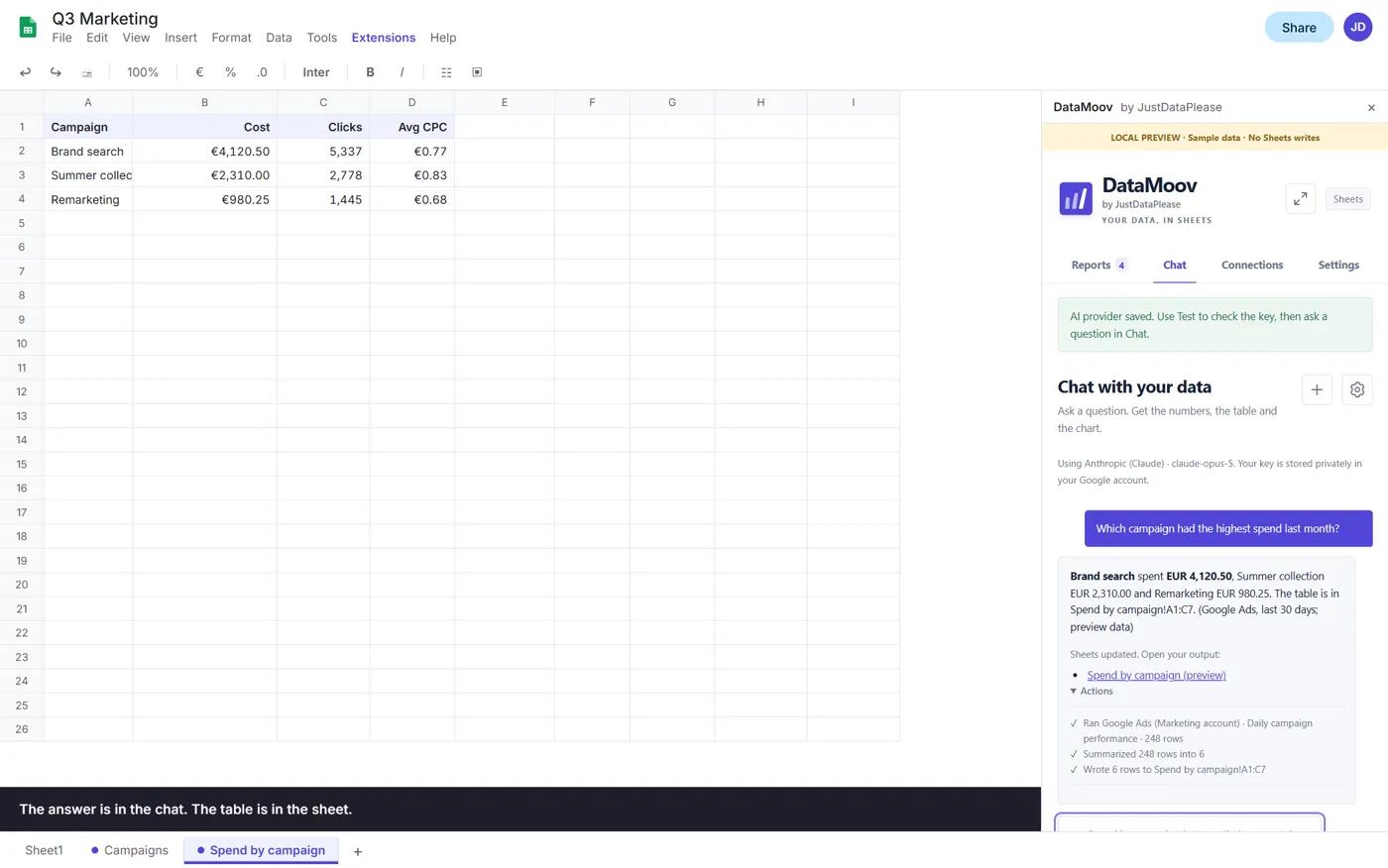
You see every step it took, the answer sits in the chat, and the table lands in its own tab.
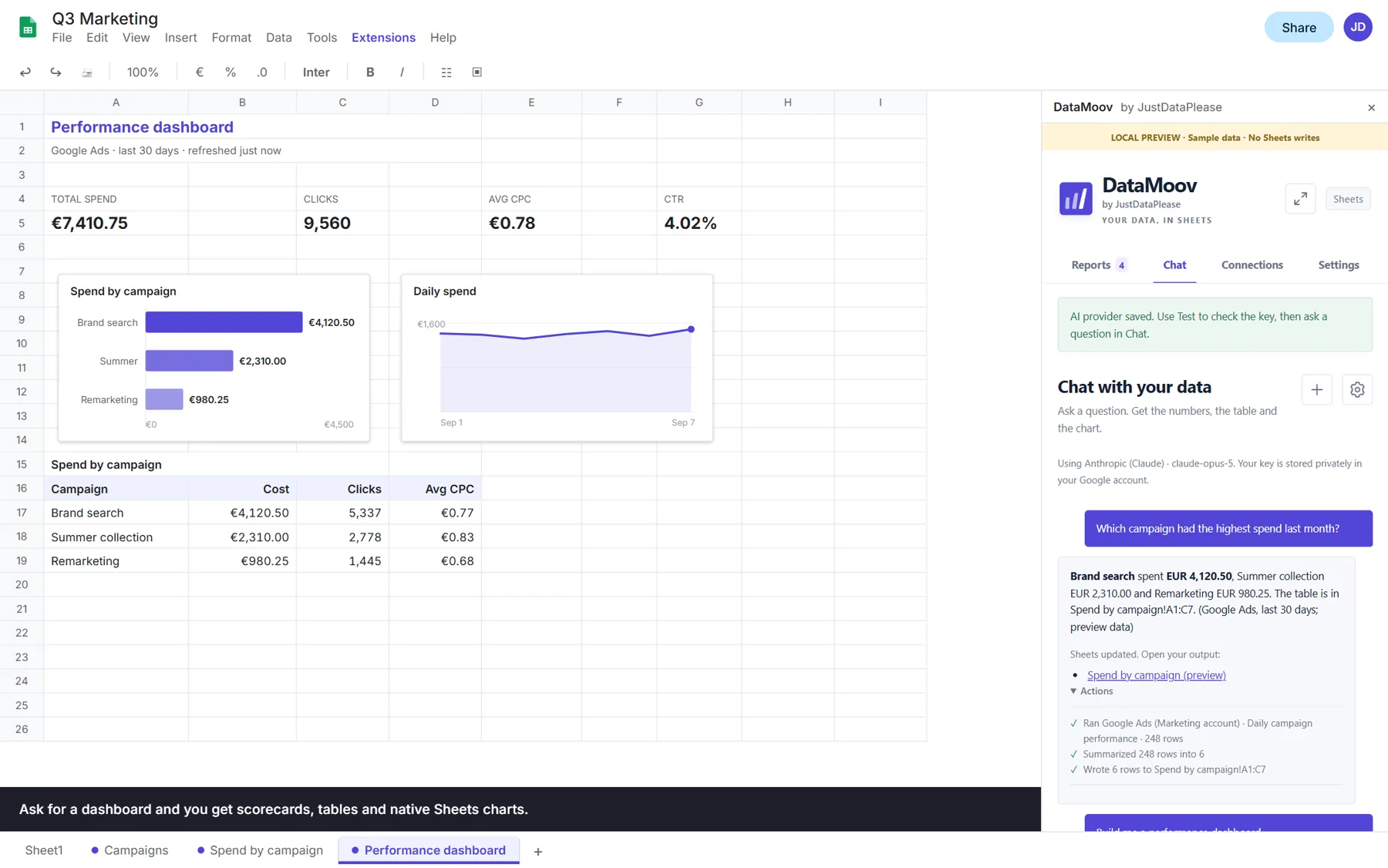
Ask for a whole dashboard
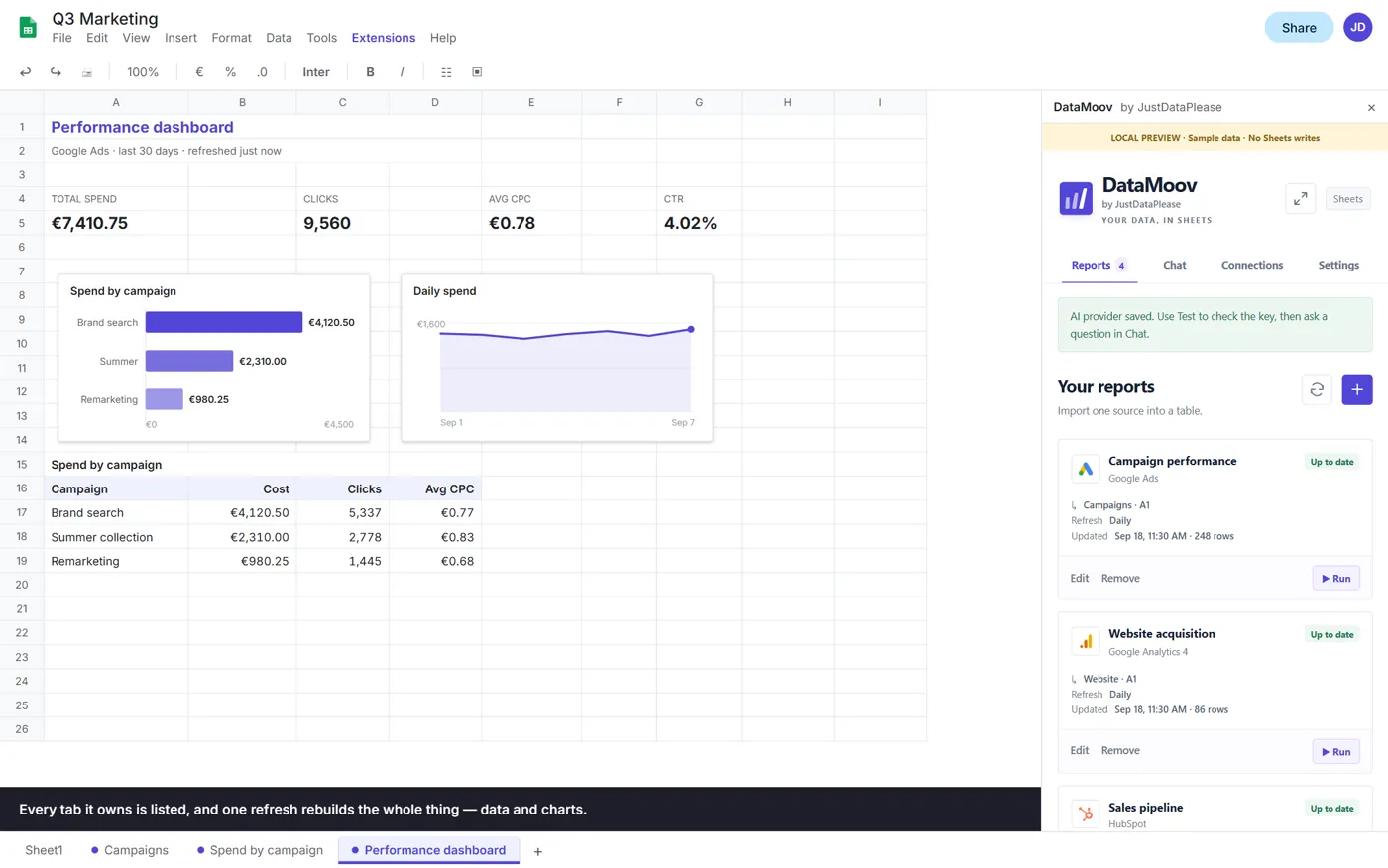
One sentence produces a saved plan: datasets, scorecards, tables and native Google Sheets charts. Refreshing rebuilds all of it — every tab it owns, data and charts together — without calling the model again.
The saved dashboard lists every tab it owns, so you always know what a refresh will touch.
What holds it together
A reporting tool earns trust by what it refuses to do. These are the guarantees the implementation actually makes:
- Your credentials. You bring your own service account, OAuth client or token. Keys are stored in your Google account and never returned to the browser.
- Nothing half-written. A report is fetched and validated in full before one atomic write. If it is too large for a single run, it pauses and resumes itself.
- Your edits win. A refresh verifies the cells it wrote last time. Edit one inside that range and DataMoov stops rather than overwrite you.
- Private by default. Reports, dashboards, schedules and connections are private to you. Sharing the spreadsheet shares the output, nothing else.
Get started
Install DataMoov from the Google Workspace Marketplace, open a spreadsheet, and launch the sidebar from the Extensions menu. Connect a source, build your first report, and let it refresh on a schedule.
There is a longer walkthrough of every screen on the DataMoov for Google Sheets page, and the privacy policy for the add-on sets out exactly what it accesses and what it stores.